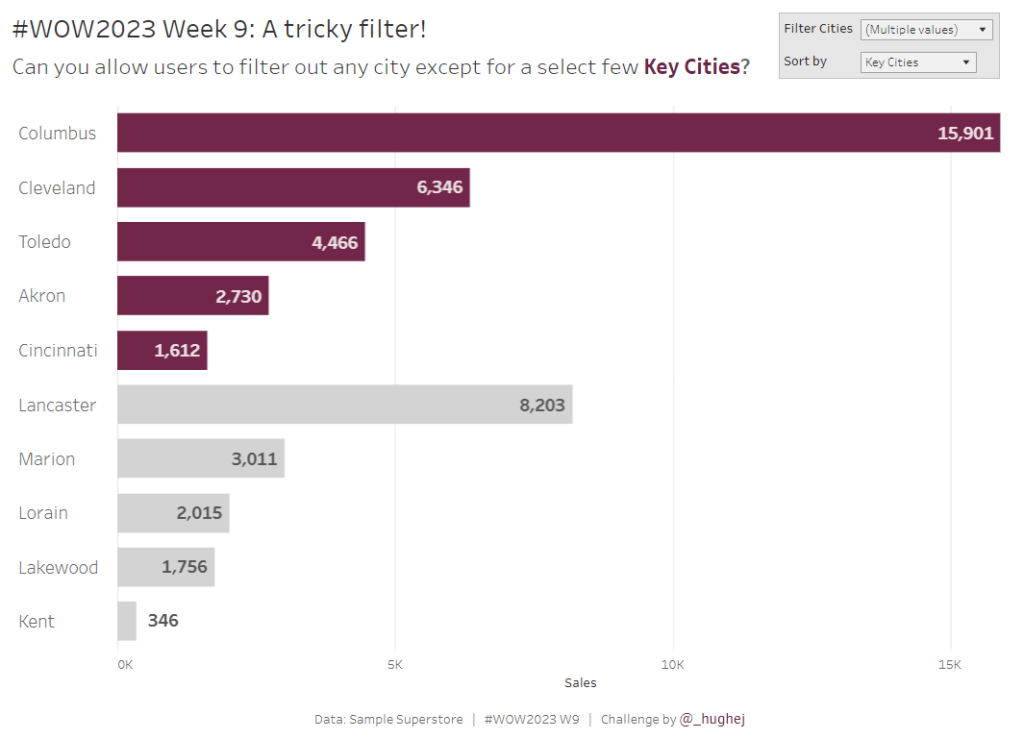
Month: February 2023

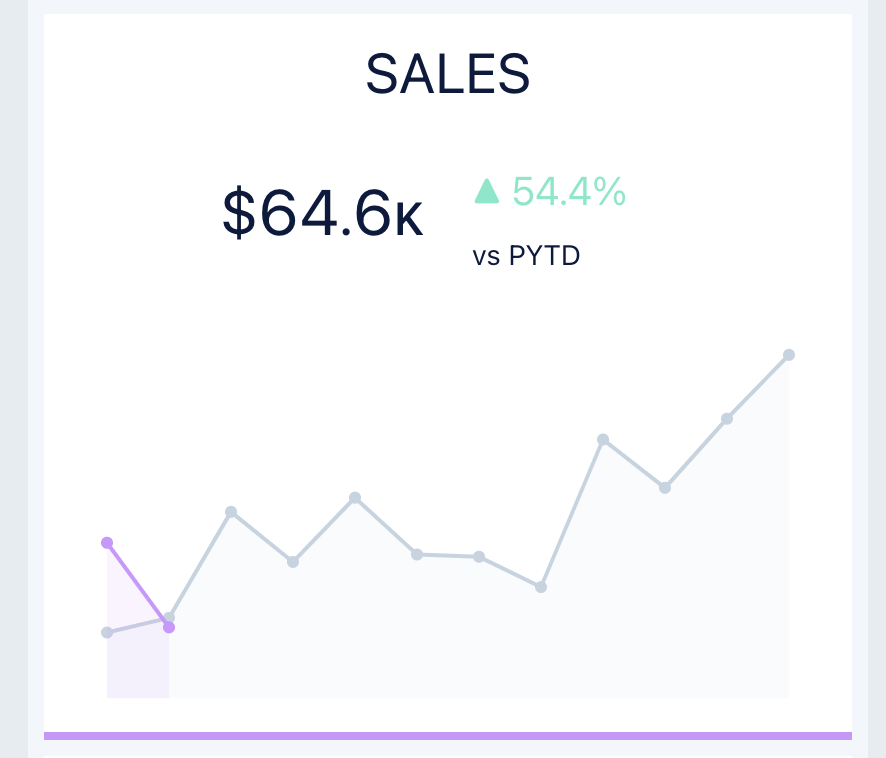
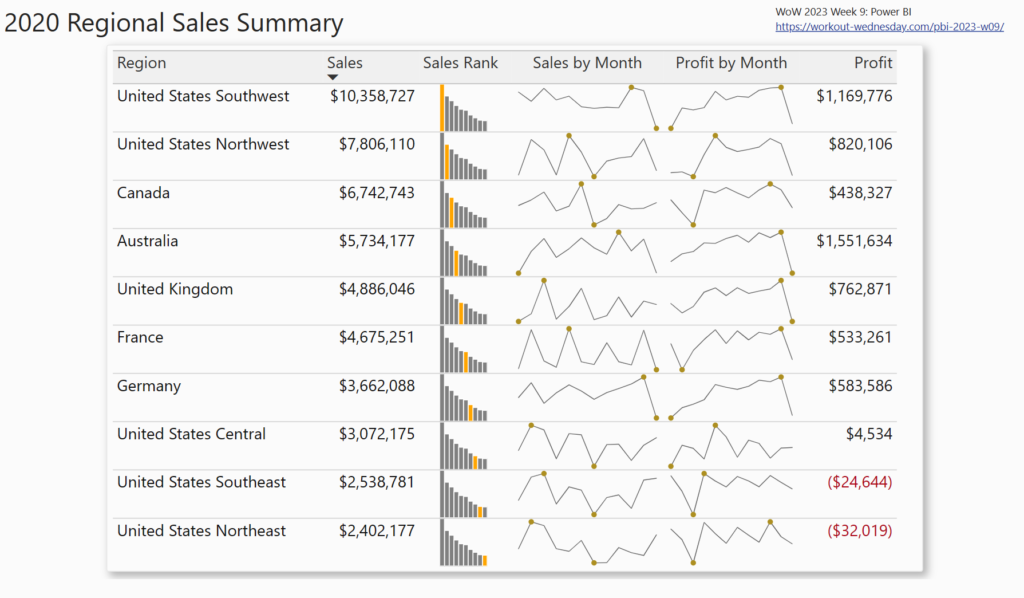
2023 Week 09 | Power BI: Create a table with custom and built-in microcharts

Introduction This week we are making a table with microcharts (sparklines). Power BI does offer built-in sparklines, but sometimes we want formatting options not available with the defaults. Our challenge this week uses both the built-in sparklines and custom SVG images in a table. Requirements Create a custom column with the following logic: If the …

2023 Week 09 | Power BI: Create a table with custom and built-in microcharts Read More »

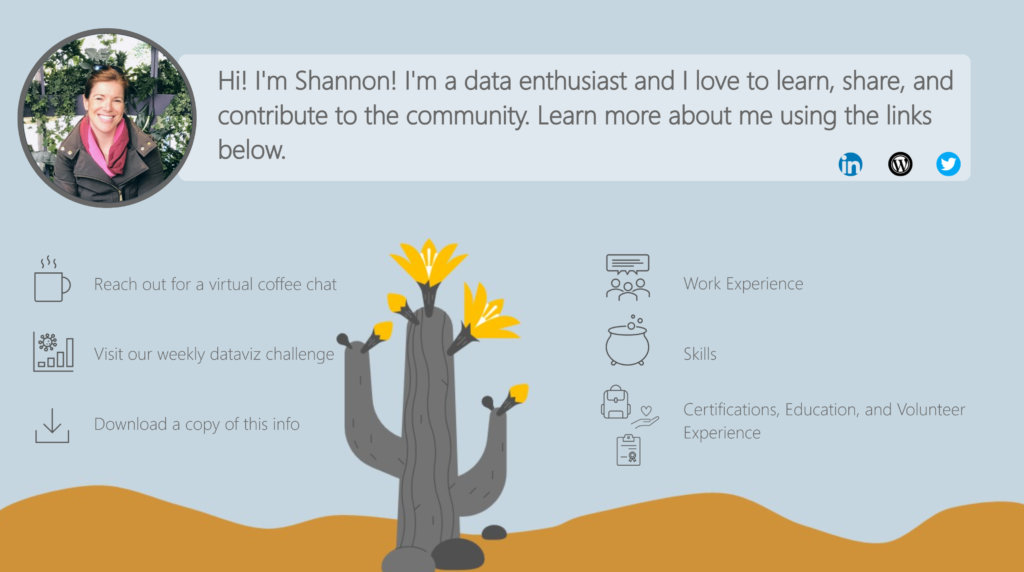
2023 Week 08 | Power BI: Create an interactive resume

Introduction Welcome back to Workout Wednesday! This week we will use Power BI to build an interactive resume. This challenge is for a few different audiences. 1) Job seekers – feel free to use this template, plug in your information, make design tweaks, and post this to your portfolio! 2) Data vizzers – use the starter …

2023 Week 08 | Power BI: Create an interactive resume Read More »

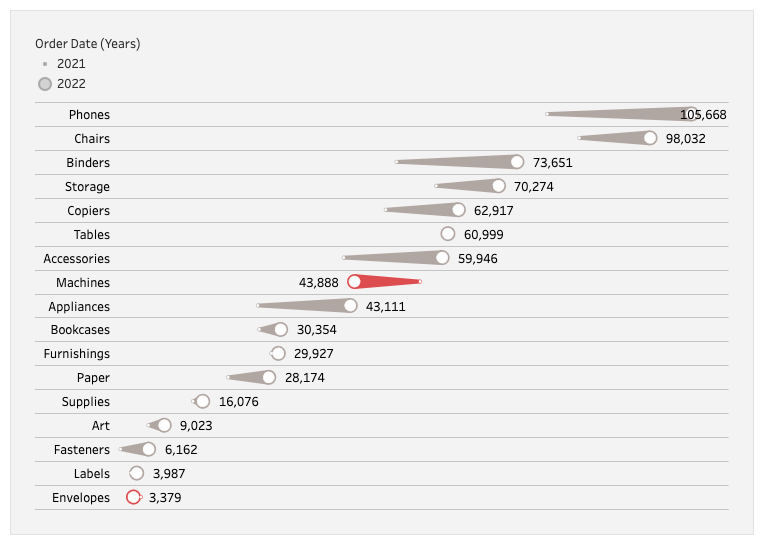
2023 Week 8: Can you build a comet chart as an alternative to a side-by-side bar chart?

Introduction The theme for February 2023 has been alternatives. This week I present an alternative (and trust me, there are many other alternatives) to my least favorite chart: the side-by-side bar chart. The reason this chart is so difficult for me is because it takes up a lot of space and when I am doing …

2023 Week 8: Can you build a comet chart as an alternative to a side-by-side bar chart? Read More »

2023 Week 07 | Power BI: Non-linear Regression

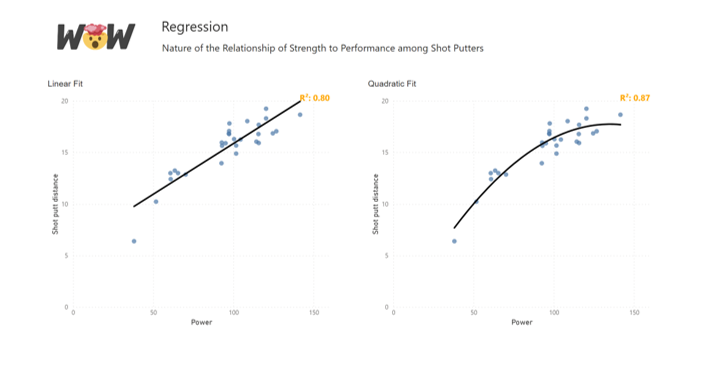
Introduction This week for Workout Wednesday we will be trying our hand at non-linear regression with the Deneb custom visual. With Vega and Vega-Lite we can create a non-linear line of best fit over our data points and utilise the statistical API to return a correlation coefficient. Requirements Power Query Obtain the dataset from the …

2023 Week 07 | Power BI: Non-linear Regression Read More »