Advanced

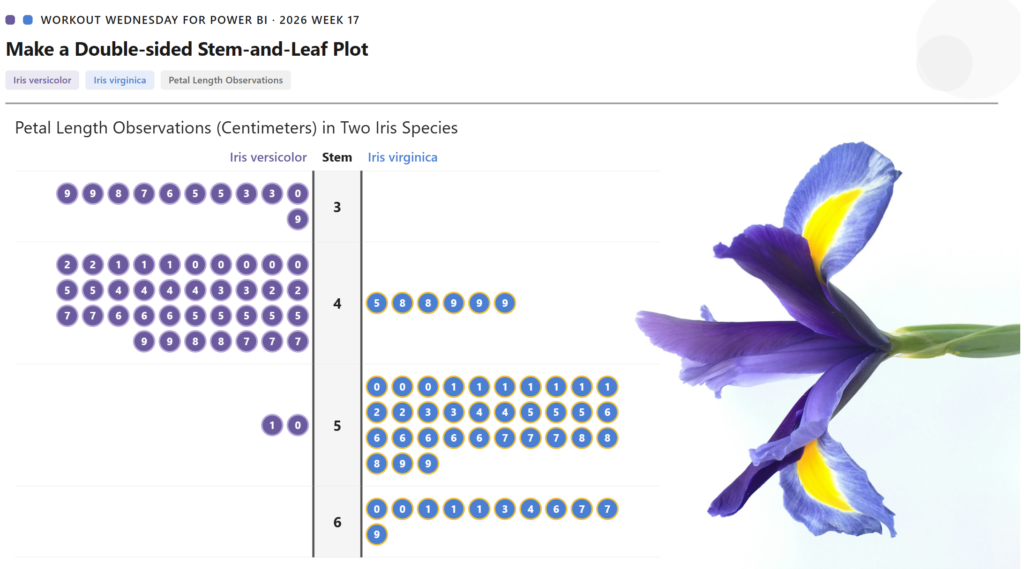
2026 Week 17 | Power BI: Create a Double-Sided Stem-and-Leaf Plot

Introduction Inspired by a previous Tableau challenge, we are making a double-sided stem-and-leaf plot, but we are using a different dataset and showing the observed petal length of two species of iris. A stem-and-leaf plot displays numerical data by splitting each value into a “stem” (leading digit) and a “leaf” (trailing digit), arranging them so […]

2026 Week 17 | Power BI: Create a Double-Sided Stem-and-Leaf Plot Read More »

Power BI, Workout Wednesday
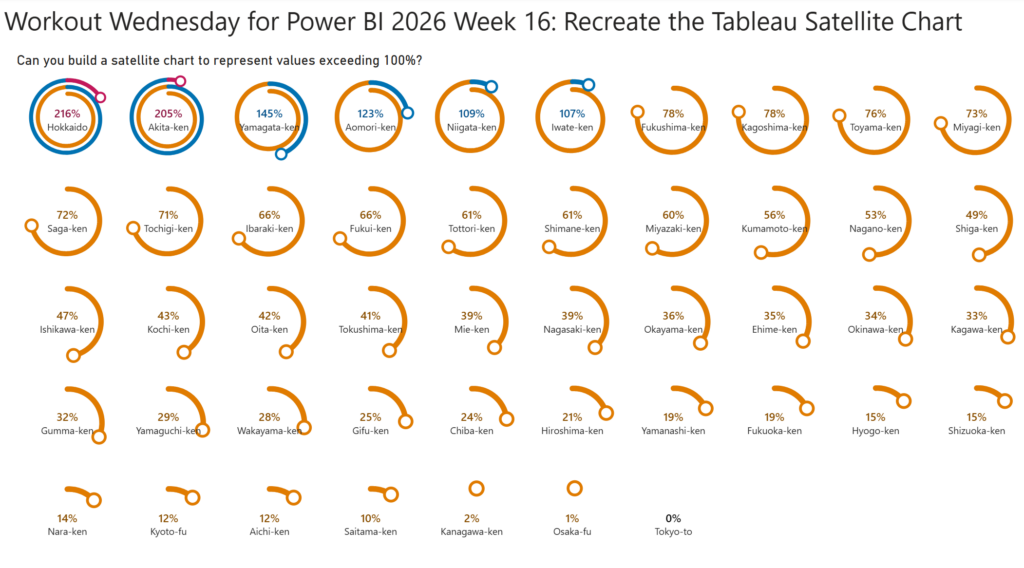
2026 Week 16 | Power BI: Recreate the Tableau Satellite Chart

Introduction This week, we are making a Power BI version of a previous Tableau challenge by Donna Coles. We are making small multiple spiral charts, also called satellite charts. Satellite charts can be used to show percentages when values exceed 100%. Rather than creating one circle like a donut chart, the line spirals out to

2026 Week 16 | Power BI: Recreate the Tableau Satellite Chart Read More »

Power BI, Workout Wednesday
Week 15

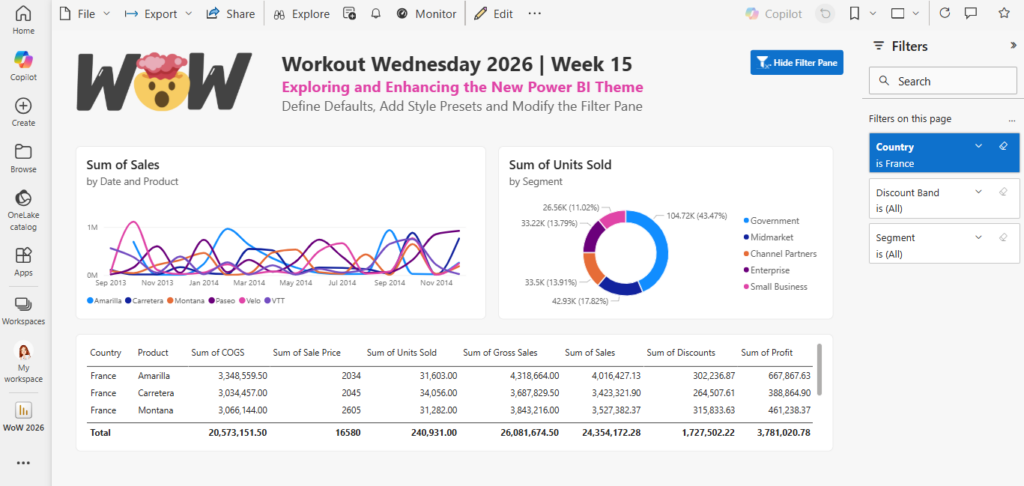
2026 Week 15 | Power BI: Exploring and Enhancing the new Theme

Introduction In this week’s challenge we are exploring the new Power BI Theme that is in Preview : https://powerbi.microsoft.com/en-us/blog/deep-dive-into-modern-visual-defaults-and-customizing-theme-improvements-preview/   The new theme comes with new chart defaults and additional Style Presets.   The challenge is to set your own defaults by downloading the JSON Theme file and modifying it.   You can use a

2026 Week 15 | Power BI: Exploring and Enhancing the new Theme Read More »

Power BI, Workout Wednesday
actual scale sea level rises

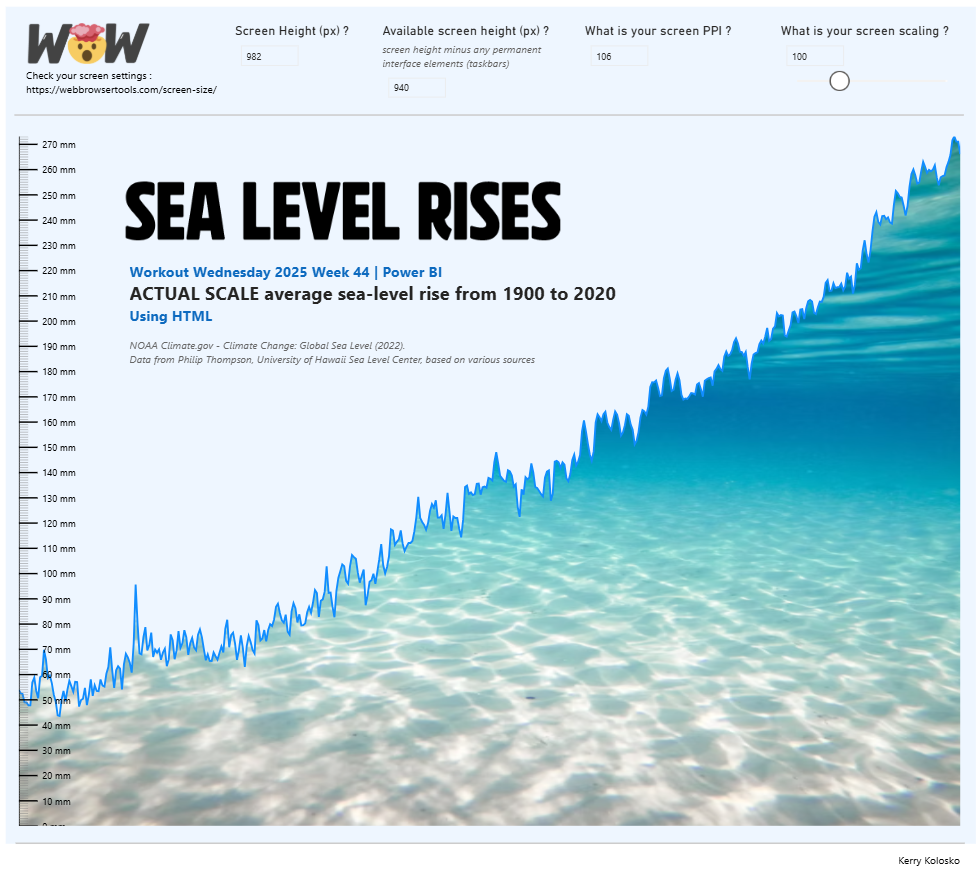
2025 Week 44 | Power BI: Utilising HTML to create actual scale charts

Introduction In this week’s challenge we are going to try to create a chart on rising sea levels where the y-scale of mm will display on screen in physical mm. You can try this with whichever custom visual you like, but the example laid out below will be for the utilisation of the HTML Content

2025 Week 44 | Power BI: Utilising HTML to create actual scale charts Read More »

Power BI, Workout Wednesday
Screenshot of a globe created using Deneb in Power BI

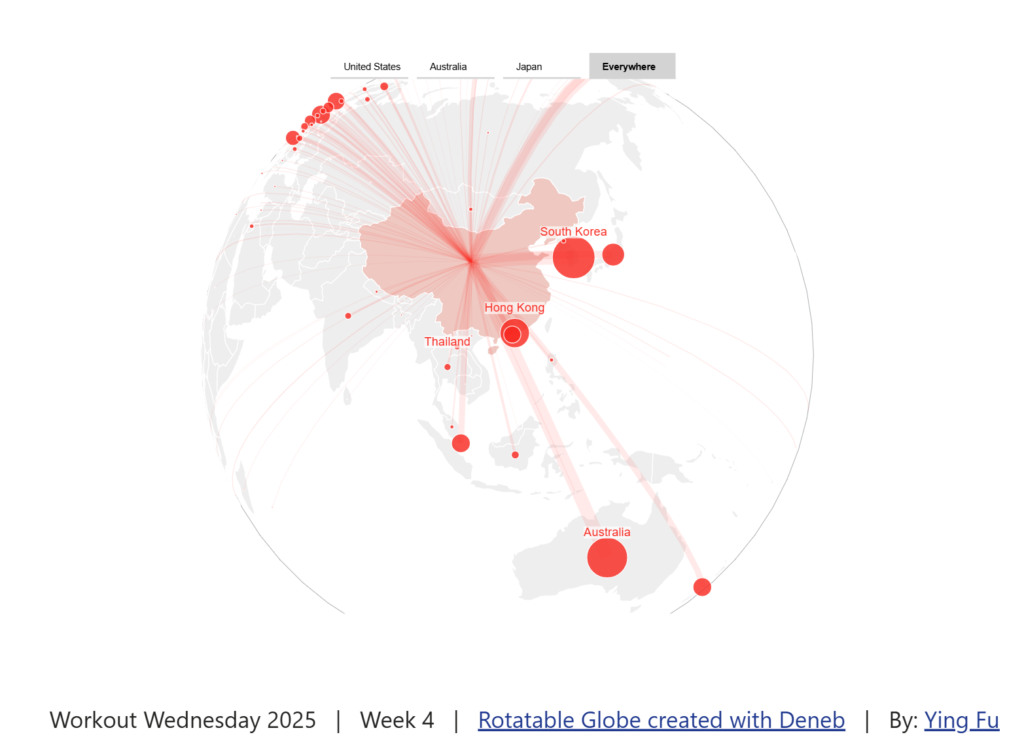
2025 Week 4 | Power BI: Create a Rotatable Globe with Deneb by Ying Fu

Introduction Welcome back to Workout Wednesday! This week we’re having fun with the Deneb custom visual and learning from another one of our fabulous Power BI community members, Ying Fu. Ying has been sharing on LinkedIn and I’ve had so much fun exploring their GitHub repo. Today we’re using a rotatable globe to look at Chinese migration abroad. Ying

2025 Week 4 | Power BI: Create a Rotatable Globe with Deneb by Ying Fu Read More »

Power BI, Workout Wednesday
Radial Plots

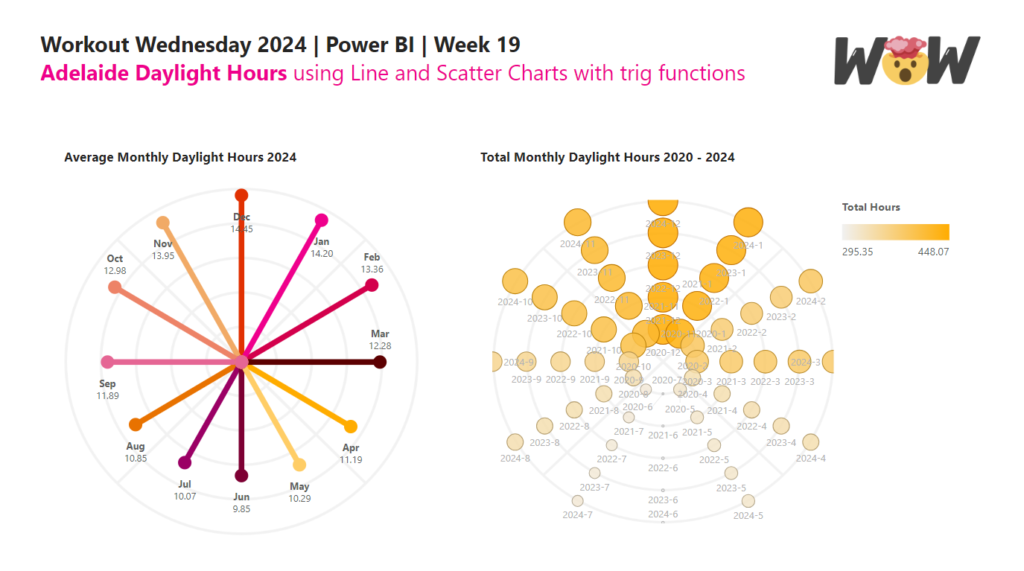
2024 Week 19 | Power BI: Radial Plots using Line and Scatter Charts with trig functions

Introduction In this week’s challenge, we are experimenting with Radial Plots using Line and Scatter Core Visuals. Radial Lollipop charts are an alternative to radar charts. Power BI does not have Polar Plots, only cartesian plots, so we will need to use trigonomic functions within DAX to calculate the cartesian X and Y position of points. Requirements

2024 Week 19 | Power BI: Radial Plots using Line and Scatter Charts with trig functions Read More »

Power BI, Workout Wednesday
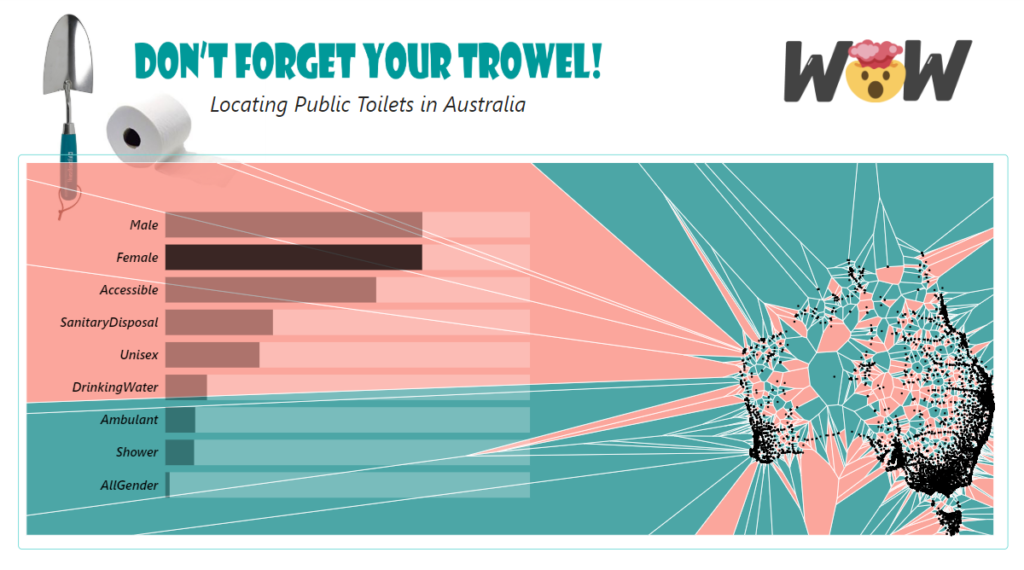
2024 Week 2 | Power BI: Soda Pop Sales in a Jittered Column Chart

Introduction This week we have our first guest post of 2024! Today’s challenge comes from Imran Haq (LinkedIn, X). I have always admired his Deneb skills, so I’m excited to share this report with you today. We are making a jittered column chart with Deneb. The theme of soda (or pop, coke, or whatever you

2024 Week 2 | Power BI: Soda Pop Sales in a Jittered Column Chart Read More »

Power BI, Workout Wednesday
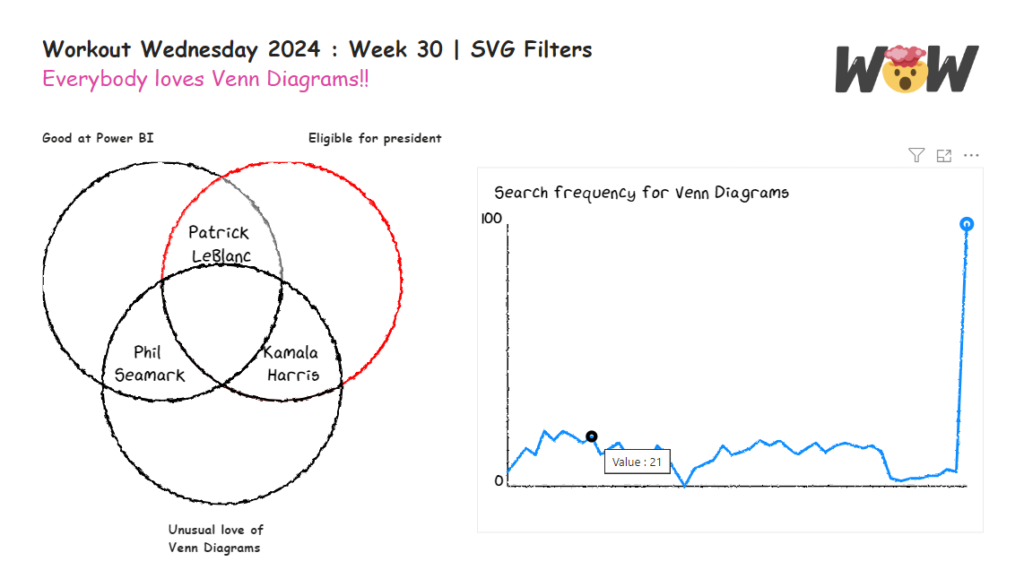
ring chart

2023 Week 48 | Power BI: Ring Chart

Introduction This week’s challenge uses a few layering techniques in the Deneb custom visual. Here you will be challenged to use multiple independent scales on a layered plot. Advanced users can concatenate total bars for extra credit! Requirements Power Query Obtain the dataset from Github Model and load data Power BI Desktop Obtain Deneb from

2023 Week 48 | Power BI: Ring Chart Read More »

Power BI, Workout Wednesday