Report Building

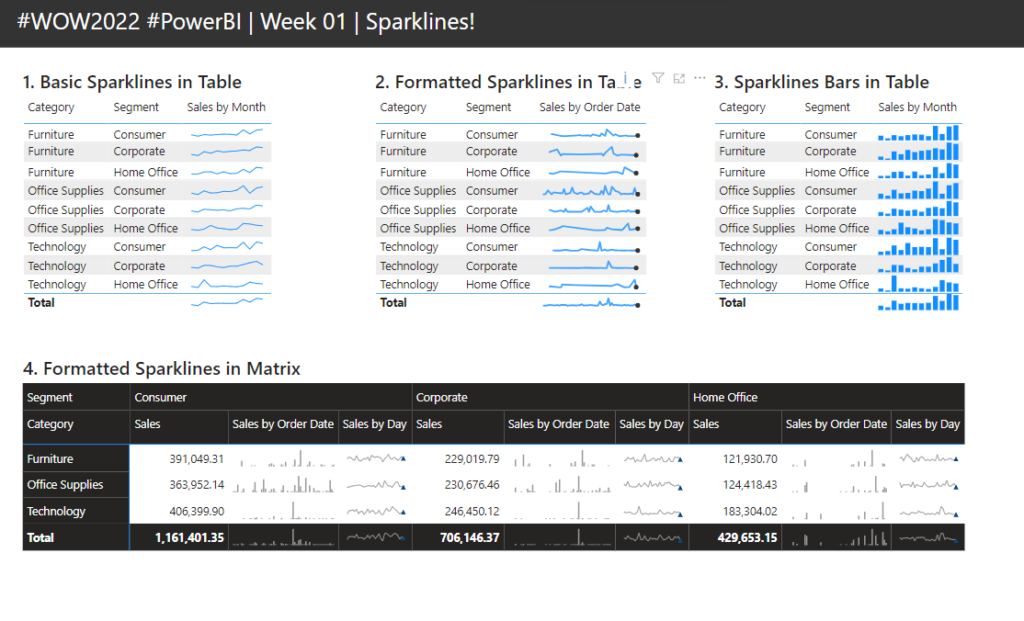
2022 Week 02 | Power BI: Simplified Custom Page Navigation

Introduction Welcome back to Power BI #WorkoutWednesday – week 2! We had incredible participation last week and are so excited to dive in this week with custom page navigation. If this sounds familiar, it’s because we did a similar navigation challenge back in November 2021. In a fortunate turn of events, the Power BI team …

2022 Week 02 | Power BI: Simplified Custom Page Navigation Read More »

2021 Week 45 | Power BI: Create a Custom Navigation Experience

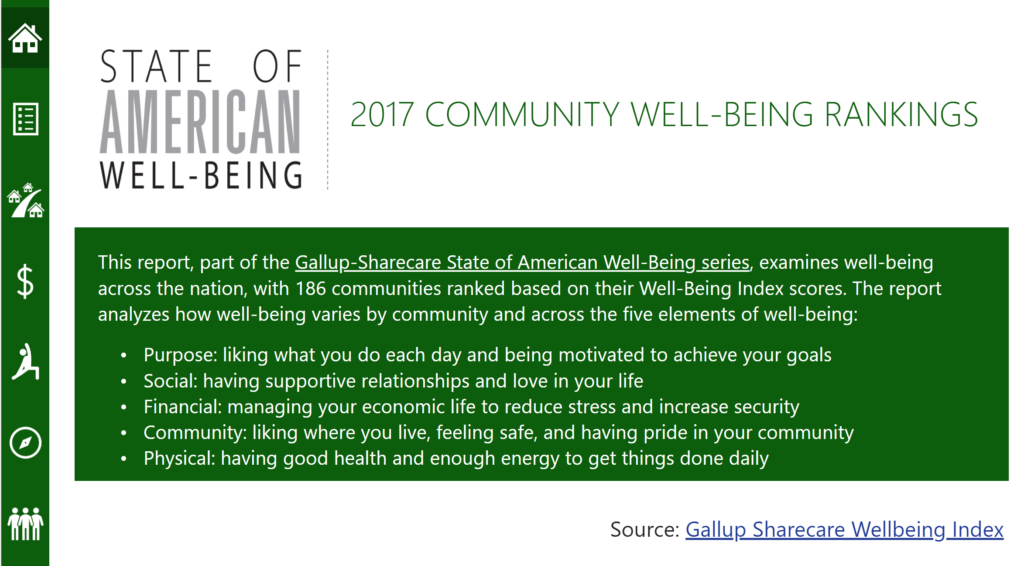
Introduction We hope that you had a lot of fun last week re-designing Spencer’s report! This week we’re also focusing on design and creating a custom navigation experience using bookmarks and buttons.  I am looking for a new place to live and stumbled upon the 2017 State of American Well-Being report. This PDF report details community well-being …

2021 Week 45 | Power BI: Create a Custom Navigation Experience Read More »

2021 Week 37 | Power BI: What-If Parameters

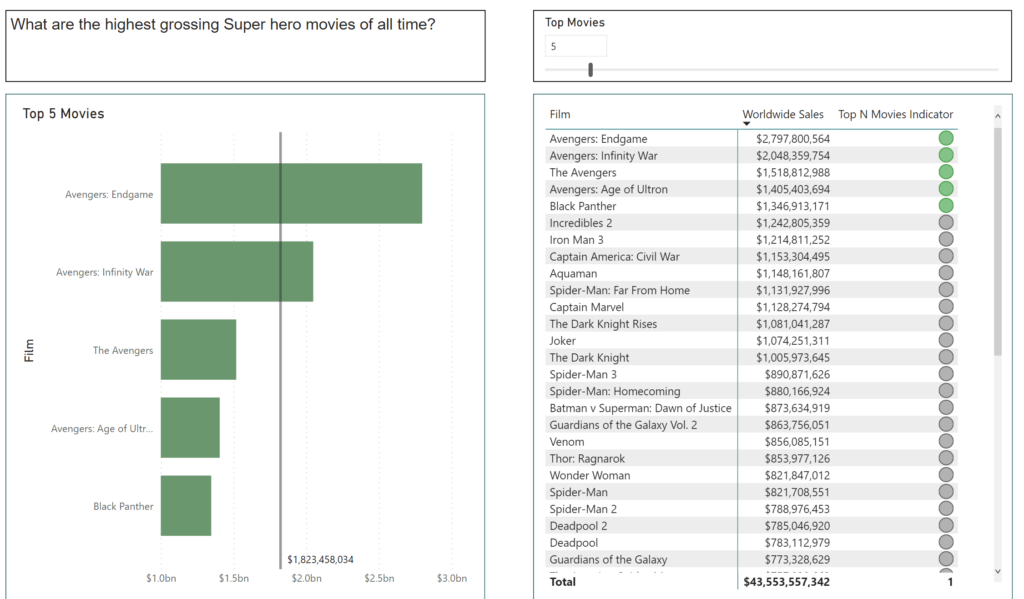
Introduction This week’s Workout Wednesday we will be using “What-If” Parameters to show Top N values based on user selection. What-If Parameters can allow your audience to have more self-service interaction with the dashboard. For this challenge, we will be visualizing the Top N Movies based on Worldwide sales, as well as leveraging conditional formatting to …

2021 Week 37 | Power BI: What-If Parameters Read More »

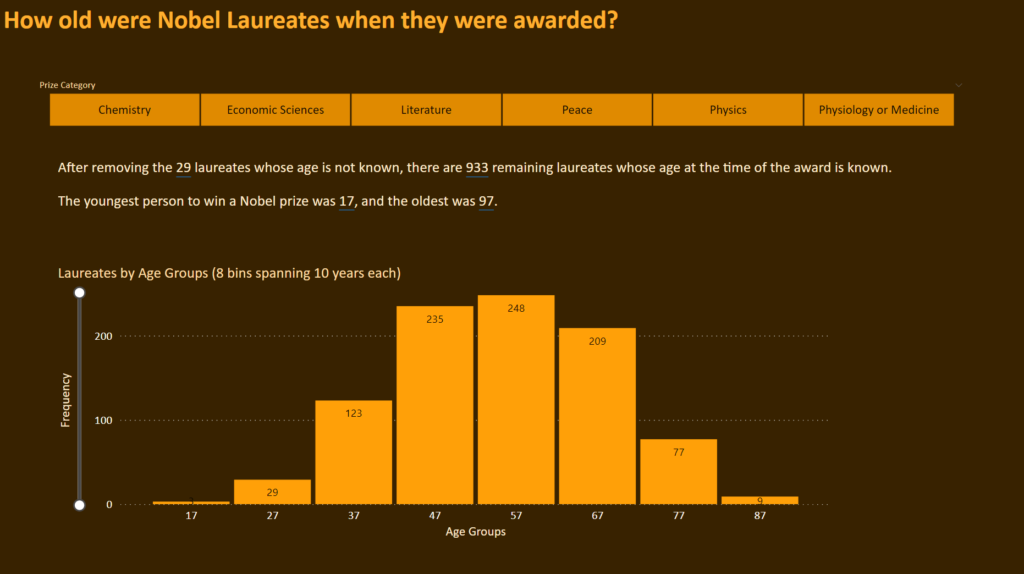
Power Bi 2021 week 26 showing a histogram with 8 even bins

2021 Week 26 | Power BI: Make a Histogram with Equal Size Bins

Introduction This is our last week using the Nobel Prize data. We are again looking at the age of the laureate when they were awarded the prize. This time we will examine it using a histogram. Histograms measure the distribution of data within defined ranges. So we are calculating age and creating bins of equal …

2021 Week 26 | Power BI: Make a Histogram with Equal Size Bins Read More »