Sigma

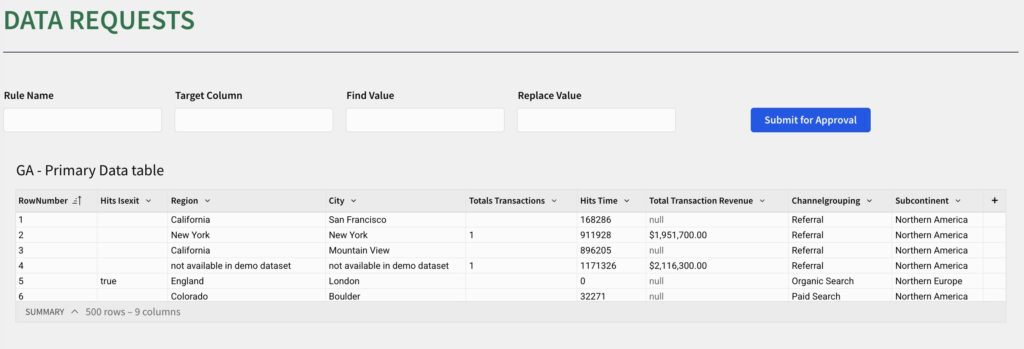
2025 Week 34 | Sigma: Let’s Request Some Data Changes

Can you create a data request and approval app? Introduction This week, we’re moving beyond analysis and into data apps. We’re going to solve one of the most persistent problems in any data-driven organization: data quality. The challenge isn’t just to clean data. It’s to build a complete, self-service system that empowers your business users […]

2025 Week 34 | Sigma: Let’s Request Some Data Changes Read More »

Sigma, Workout Wednesday
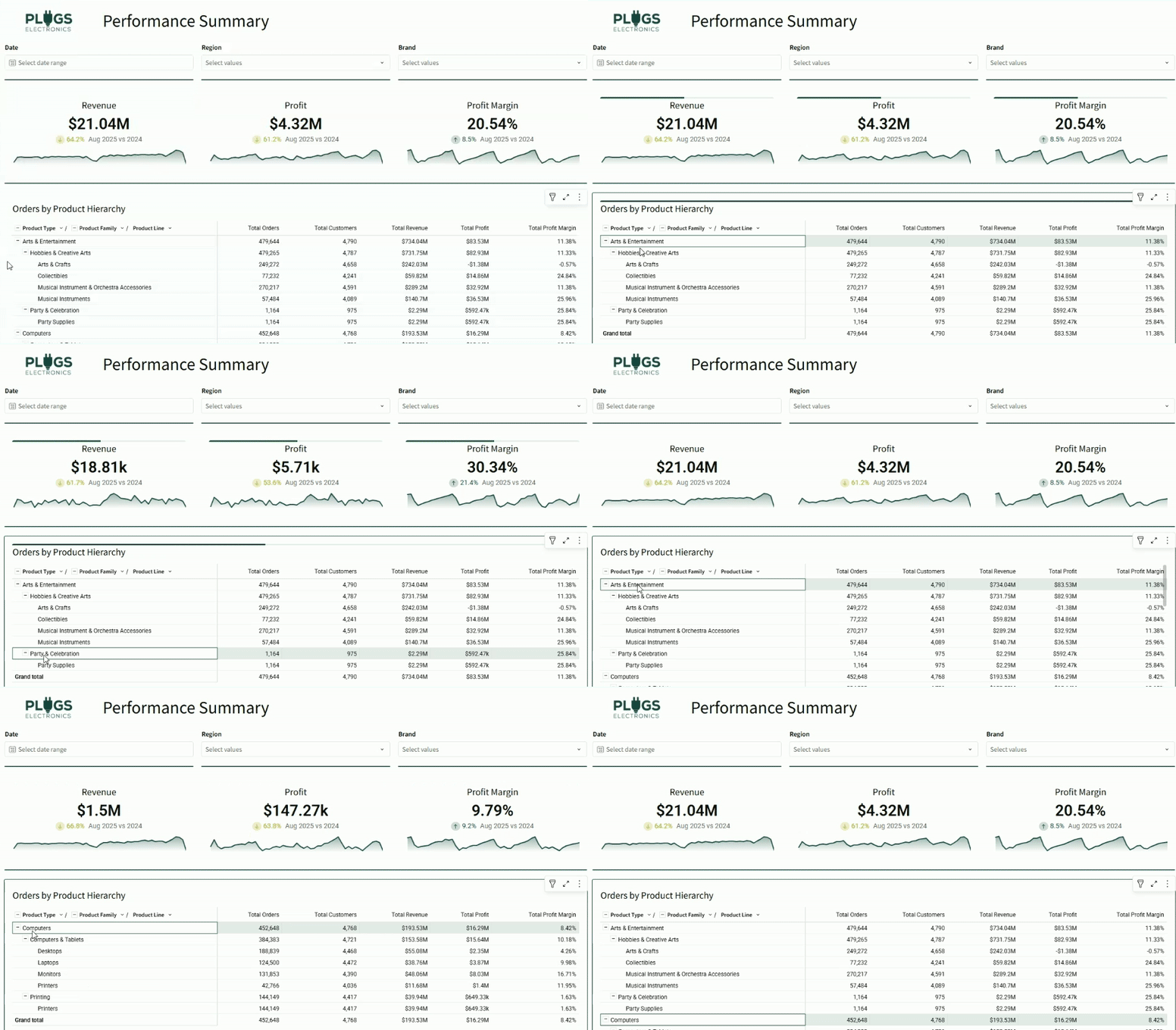
2025 Week 33 | Sigma : Can you cross filter tables?

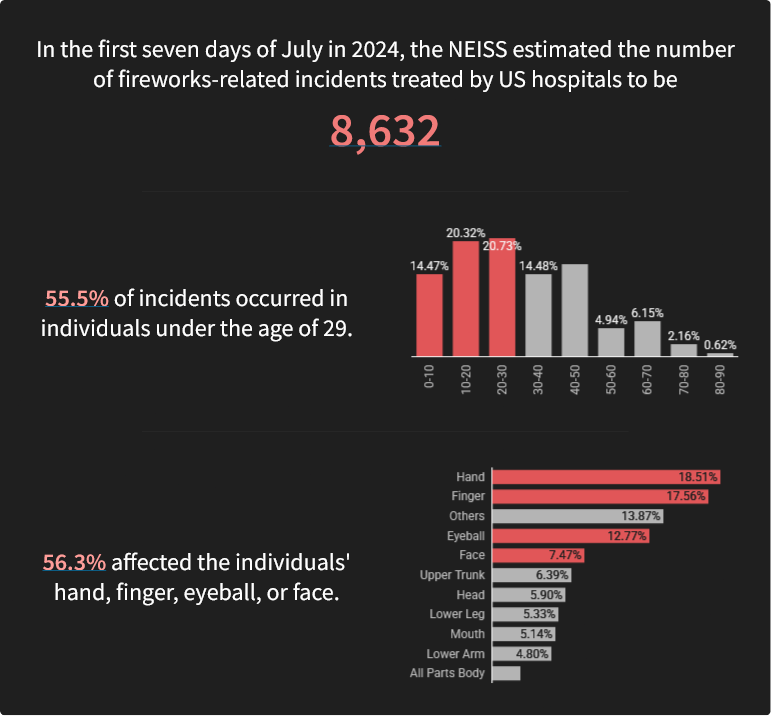
Introduction Welcome to Week 33 of 2025! We’ve all been there: you want to cross filter a dashboard by clicking on a field, and just as easily clear the selection. With charts, it’s easy – just click the white space. But with tables, it can be a little trickier. This week’s challenge: master cross-filtering from

2025 Week 33 | Sigma : Can you cross filter tables? Read More »

Sigma, Workout Wednesday

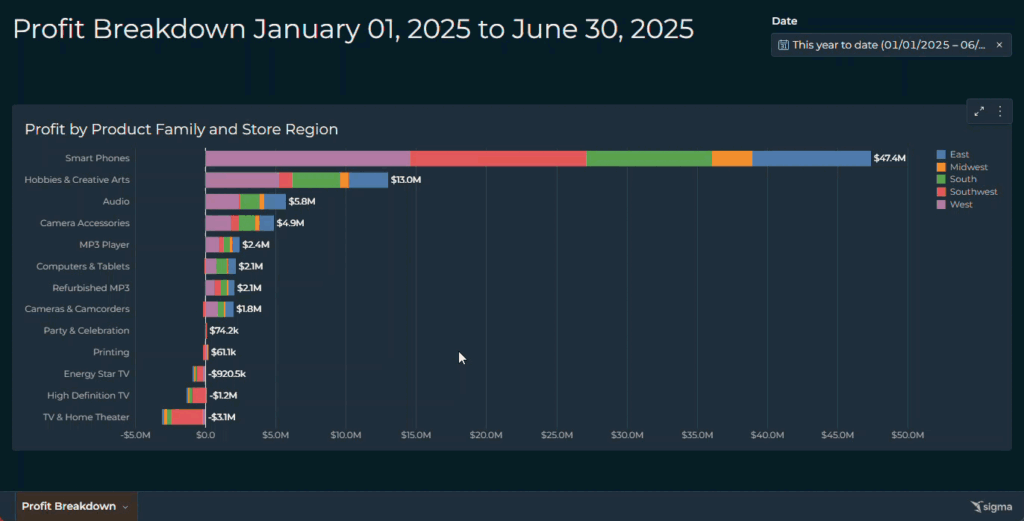
2025 Week 29 | Sigma : Gantt Touch This

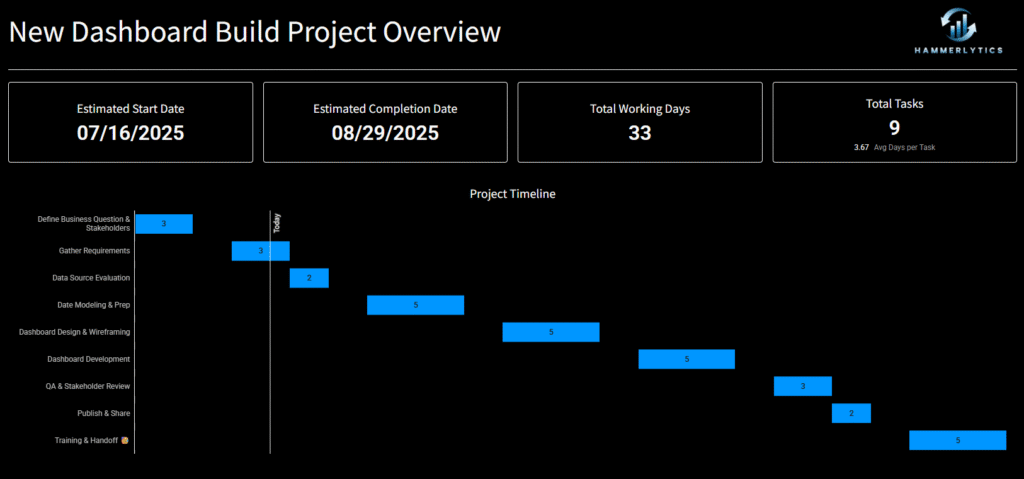
Introduction Welcome to Week 29 of 2025! This week’s challenge is all about bringing back a tried-and-true classic: the Gantt chart. Whether you’re mapping out project timelines or visualizing task dependencies, this is your chance to put a clean, modern spin on one of the original BI visuals. Build something in Sigma that’s as functional

2025 Week 29 | Sigma : Gantt Touch This Read More »

Sigma, Workout Wednesday
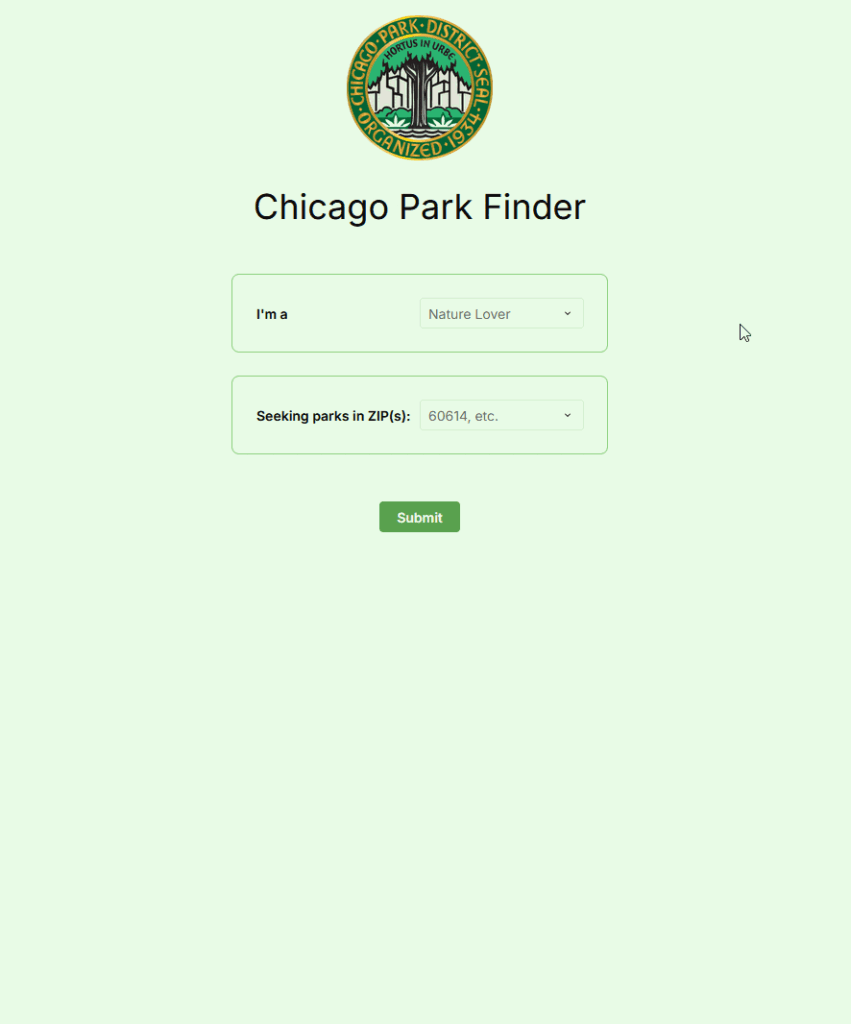
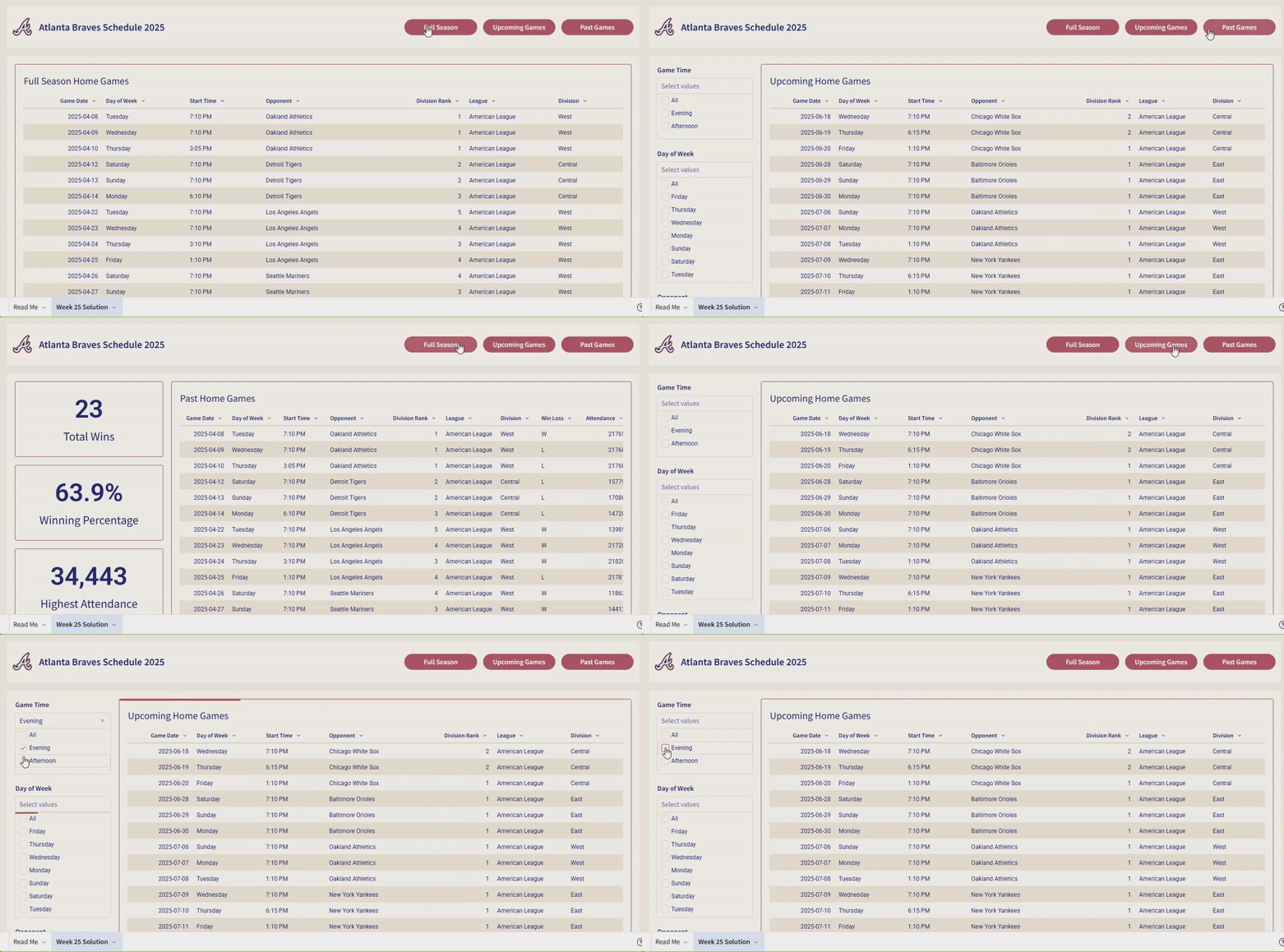
2025 Week 28 | Sigma: Can you provide context?

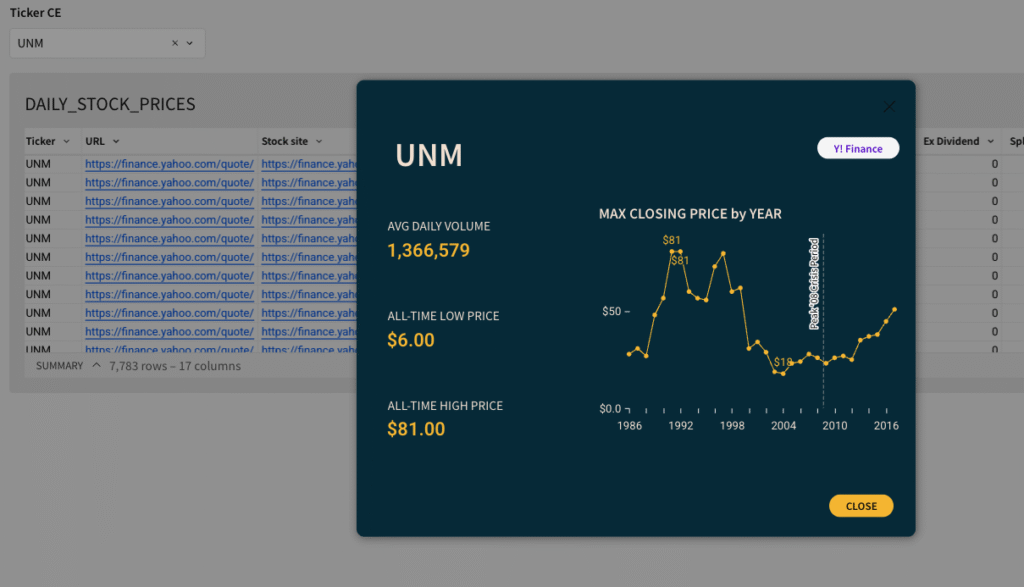
Introduction Welcome to Week 28 of 2025! This week, we’re going to practice a newer feature of Sigma:  Custom Context Menu Options.  When combined with a series of actions, these options can really beef up your data application, allowing you to guide the user to new insights more easily than simply drilling down. Good luck!

2025 Week 28 | Sigma: Can you provide context? Read More »

Sigma, Workout Wednesday