Workout Wednesday

Waffle chart created with core visuals

2023 Week 29 | Power BI: Core Visual Waffle Chart

Introduction If you’re as old as I am, you might remember MacGyver. For eight-year-old me, he was simply the coolest person who ever lived: he was a brilliant thinker and could get out of any situation with a Swiss Army knife and whatever was lying around. These days, to “MacGyver something” is a homage to […]

2023 Week 29 | Power BI: Core Visual Waffle Chart Read More »

Power BI, Workout Wednesday
Project timeline Visual

2023 Week 28 | Power BI: Project Timeline

Introduction This week’s challenge was inspired by Bas. We are creating a Timeline Visual using the Line Chart and measure-driven data labels. For this project timeline, we will be adding a today line, highlighting completed milestones, and milestones that are off-track. We will be adding descriptors to the milestones and truncating the descriptors to a

2023 Week 28 | Power BI: Project Timeline Read More »

Power BI, Workout Wednesday

2023 Week 27 | Power BI: Power Query Simple Pagination and a Treemap

Introduction This week we are going to have some fun with Power Query to obtain data from a website that spans multiple pages and then visualize the data in a treemap. Treemaps are meant to display hierarchical data as a set of nested rectangles. They aren’t a great replacement for bar charts when minor differences

2023 Week 27 | Power BI: Power Query Simple Pagination and a Treemap Read More »

Power BI, Workout Wednesday

2023 Week 26 | Power BI: Display metrics with the new card visual

Introduction Welcome back to Workout Wednesday! This week we’re exploring the new card visual that was released in preview this month. Key metrics are frequently displayed in reports, and in the past it took a combination of cards, images, and other visuals. Thanks to the new card visual, we now have more flexibility, options for

2023 Week 26 | Power BI: Display metrics with the new card visual Read More »

Power BI, Workout Wednesday

2023 Week 26 | The Component Widget

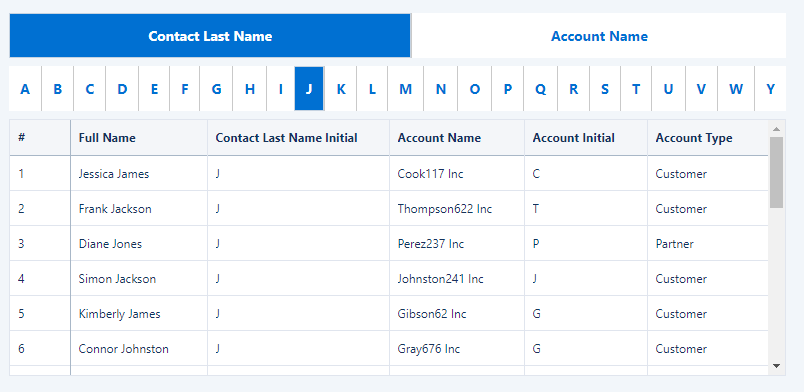
Introduction This week we are exploring the Component widget. Essentially it is a container with pages that allows you to quickly create and reuse dynamic areas of a dashboard! Components solve 2 main use cases: Reusability & maintainability (the components you create in this challenge will be used again in a future challenge!) Easily (through

2023 Week 26 | The Component Widget Read More »

CRM Analytics, Workout Wednesday